
The Hidden Anxiety Behind Connecting Two Simple Tools
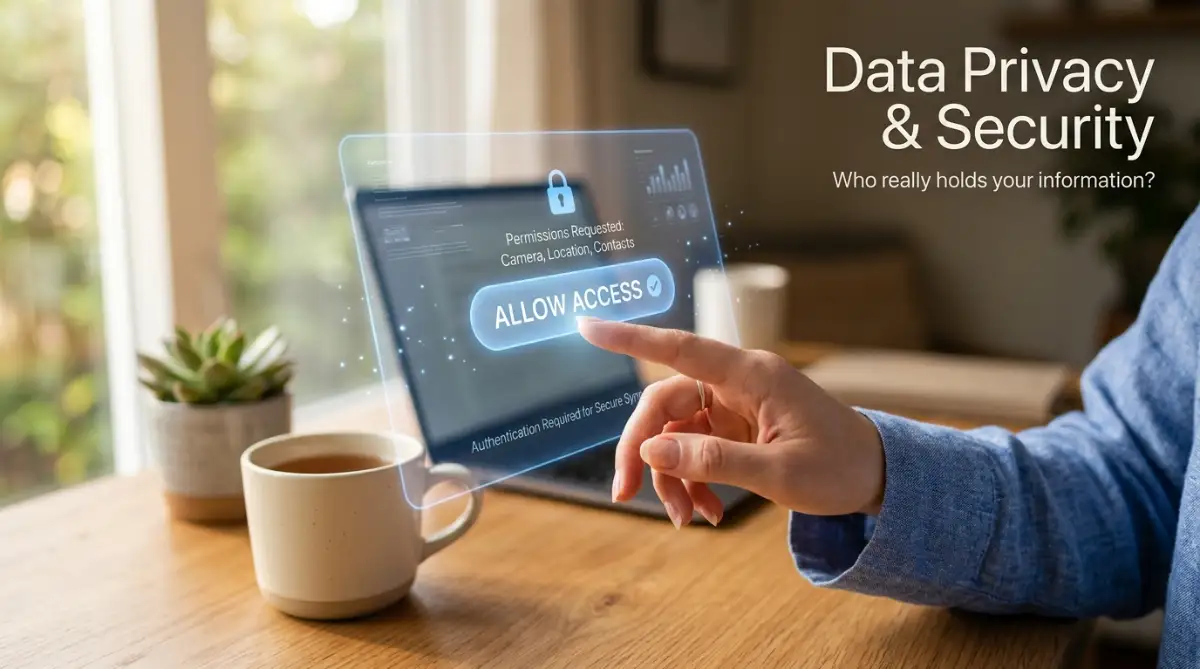
Have you ever stared at that giant blue "Allow Access" button and felt a sudden wave of panic hit your chest? You are definitely not alone. We hand over our digital lives to random apps every single day, quietly hoping our private contacts and personal photos do not end up on the dark web. Let us fix that anxiety right now by uncovering exactly what happens to your data the second you click that button.
Within minutes, I realized my original list of a thousand clients was completely wiped empty. My hands started sweating, and my heart dropped into my stomach. I had no idea where all that information went, who was holding it, or if it was lost into the digital void forever.
But behind that simple click lies a deep, underlying fear of the unknown. Everyday people like you and me are silently dealing with the mental stress of digital privacy. We worry about whether our private text messages, financial records, or personal photos are being leaked to strangers.
You might notice a strange sense of hesitation right before you give a new platform permission to view your contacts. That hesitation is completely normal. Your mental peace gets ruined because the software industry makes these connections look like magic, hiding the actual process from regular users.
When things go wrong, we feel like we broke something expensive. But the truth is, you did not break anything, you just could not see the pipes carrying your information.
What You Will Learn Today (Quick Summary):
- The Magic of Handshakes: How your apps use secure, temporary keycards instead of sharing your actual passwords.
- Read vs. Write Rules: Why you should never let a simple app edit or delete your private files.
- The 5-Second Pause: The simple habit of reading the pop-up screen that saves you from massive privacy leaks.
- Shutting the Door: How to find and kick out old, unused apps hiding in your account settings.
Unlocking the Mystery of the Invisible Information Highway
To stop feeling anxious about your digital tools, we need to take a look under the hood. Connecting two pieces of software is not magic at all. It is highly organized, structured, and surprisingly easy to understand once you take away the heavy technical jargon.
Think of your favorite software as a massive, secure library. Every single piece of your information is stored in highly protected digital boxes. When you ask another tool to come in and read that information, a very specific sequence of events kicks off.
By understanding this sequence, you will finally have complete control over your digital life. Let us break down exactly how this digital highway operates from the moment you click that permission button.
The Digital Handshake: Proving You Are Who You Say You Are
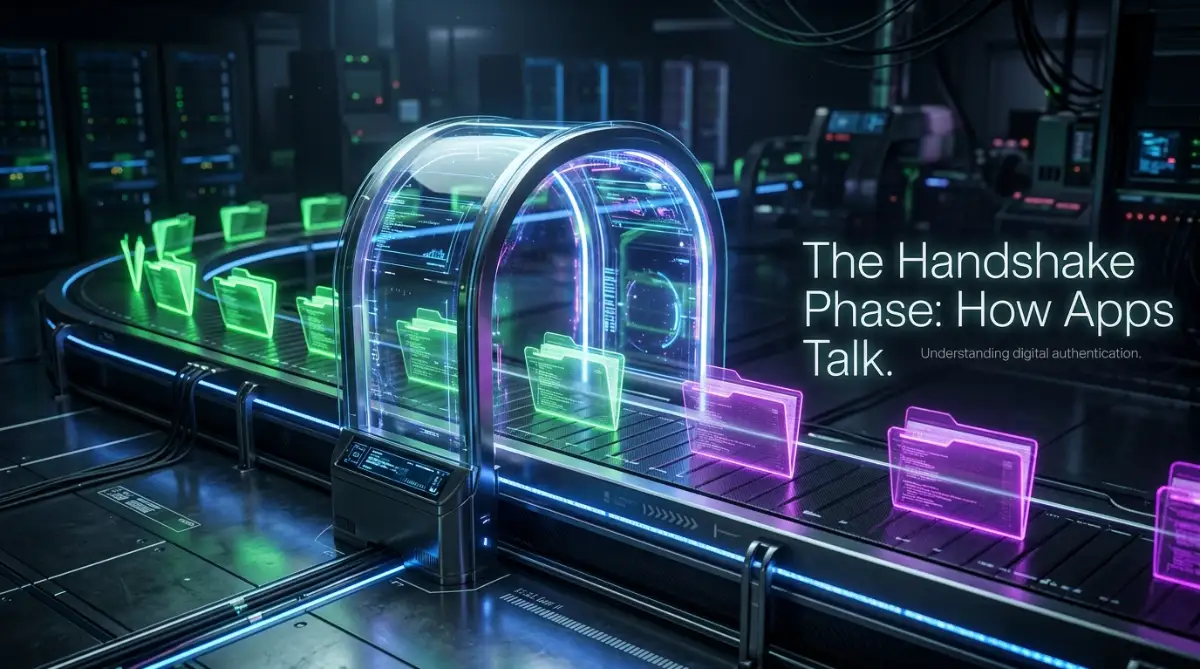
Before any information actually moves anywhere, the two systems have to meet and trust each other. This initial meeting is often called the authentication phase. I like to think of this as a strict hotel security system.

When you connect your calendar to a video calling tool, the calling tool walks up to the front desk of your calendar. It asks for the room keys to your schedule. The calendar does not just hand over the keys blindly.
Instead, it turns to you, the true owner, and asks for your permission. This is why you see that familiar pop-up window asking you to verify your identity and approve the connection. Once you say yes, the calendar creates a special, temporary keycard.
This digital keycard is incredibly smart. It only allows the guest to see exactly what you approved, nothing more. If you only allowed it to read your schedule, it cannot sneak into your personal address book.
Watch Exactly How These Tools Communicate in Real Time
Seeing this process visually makes everything instantly click into place. Take a quick look at this short, amazing breakdown of how digital tools shake hands before sharing anything.
Pulling the Right Details: The Extraction Phase
Once the trust is established and the digital keycard is swiped, the actual work begins. The receiving tool walks into the library and starts looking for the exact files it needs. This is the extraction phase, where the first movement of your information actually happens.
It does not grab everything at once like a messy thief. Instead, it asks for highly specific details. It might ask for a first name, an email address, and a phone number.
I actually learned a hard lesson about this phase a few years back. My biggest mistake was rushing through a setup and accidentally telling my sales app to pull my clients' personal home numbers instead of their business lines. I ended up calling people during their family dinners, which taught me to always double-check exactly what categories of information an app is requesting before I approve anything.
The original app carefully packages these specific details into a neat, secure digital envelope. Your main database is never emptied or deleted during this process. The system simply makes a highly accurate copy of the requested details to send out.
The Great Translation: Making Sense of Different Languages
Here is a really interesting problem that happens inside the digital pipeline. Software programs are created by entirely different companies around the world. Because of this, they rarely speak the same language.
Your customer tool might label a phone number as "Mobile," while your text messaging app calls it "Cellular." If these two systems try to talk directly, they will get completely confused and drop the details on the floor.
To solve this, your information has to go through a rapid translation process. This happens in a fraction of a second while the data is traveling through the digital pipes. The system takes the label from the first tool and actively maps it to the matching label in the second tool.
If you use a third-party automation platform, this translation happens on their secure servers. They act like a smart, bilingual translator sitting between two foreign diplomats. They ensure the message is perfectly understood before passing it along.
Push vs Pull: The Two Methods of Delivery
Your information actually travels down this highway using one of two very different delivery methods. The first method is like having a mailman constantly knocking on your door every five minutes asking if you have new letters.
The second tool repeatedly checks your main database on a fixed schedule to see if anything changed. This method is incredibly common, but it can sometimes cause a slight delay. You might add a new contact, but it takes ten minutes for it to show up on the other side.
The second, much faster method acts like an instant alarm bell. As soon as you type a new name and hit save, the original software throws a package directly at the receiving tool. There is no waiting around and no constant checking.
This instant delivery system is why you sometimes get an automated welcome email the exact second you sign up for a new website. The pipeline simply pushed the information forward the moment the action happened.
The Final Destination: Loading and Organizing
After the information is requested, copied, translated, and transported, it finally reaches the end of the pipeline. But it cannot just be dumped randomly onto the floor of the new software.
The receiving tool carefully opens the digital envelope and inspects the contents. It checks to make sure the email addresses look like real emails and the phone numbers have the right amount of digits.
Once it verifies everything is safe and formatted correctly, it slides the information neatly into its own digital folders. To you, the user, this entire journey happens in the blink of an eye. You press a button on one screen, and the text magically appears on another.
But knowing about this intense, organized journey completely changes how you view your software. You are no longer crossing your fingers and hoping for the best.
Myth vs Reality: Does the Middleman Keep Your Secrets?
A very common question pops up when we talk about this digital highway. If my information travels through the internet to reach another app, is someone keeping a copy of it? This is a highly valid fear regarding your personal privacy.
The reality is built around strict safety rules. Most modern, trusted connection tools use heavy encryption while your details are moving. Think of this as putting your digital envelope into a locked, steel briefcase.
Even if a hacker manages to grab the briefcase while it is traveling, they cannot see what is inside without the master lock combination. Furthermore, these platforms generally do not store your details permanently.
They hold onto the information just long enough to complete the translation and delivery. Once the receiving app confirms the package arrived safely, the middleman immediately shreds their temporary copy.
Data Privacy: Myth vs. Fact
Practical Habits for a Safer Digital Life
Now that you clearly understand how the pipes work, you can easily protect yourself moving forward. You hold the ultimate power over this entire process because it cannot start without your initial permission.
Always take ten extra seconds to read the permission screen before clicking allow. Look closely at exactly what digital keys the new app is asking for. If a simple calculator app asks for full access to your email contacts, you should immediately reject it.
Regularly check the settings in your main accounts, like your primary email or calendar. Most big platforms have a specific security menu where you can view every single app holding a digital keycard to your information.
If you see an old tool you have not used in months, simply revoke its access. Taking away the keycard instantly closes the pipeline, ensuring no more information can flow out without your direct knowledge.
The Real Power of Seamless Automation
Connecting your apps should never be a source of stress or anxiety. When the pipeline is built correctly and securely, it becomes the most powerful asset in your daily routine.
You no longer have to manually copy and paste phone numbers between different windows. You stop worrying about forgetting to send a follow-up message because the pipeline handles the communication for you.
Taking Total Control Over Your Digital Ecosystem
Once you understand how the invisible pipes carry your information, you are ready to step into the driver's seat. Managing your connected tools does not require a degree in computer science. It simply requires a shift in how you view your digital permissions.
Most people set up a software connection once and completely forget about it forever. But a healthy digital system needs regular maintenance, just like a car engine. The most successful professionals treat their personal information like cash in a bank account.
They do not just hand it out to anyone who asks nicely. Instead, they apply a few highly effective habits to keep their information safe and their workflows running perfectly. Let us explore some dynamic ways you can protect your digital privacy moving forward.
One amazing strategy is to perform a monthly permission audit on your main accounts. Open up your Google or Microsoft settings and find the section labeled "Third-Party Apps." You will likely be shocked to see dozens of old services you have not used in months.
Removing these unused connections instantly shuts down inactive pipelines. If you ever need that specific tool again, you can always reconnect it later in just a few seconds. This simple habit keeps your digital doors locked and your mind at peace.
My 3-Minute Digital Security Audit
Want to clean up your digital pipeline right now? Follow these three simple steps:
- Open your Google or Apple Account Settings. Go straight to the "Security" tab.
- Find "Third-Party Apps with Account Access." Take a good look at the list.
- Hit the Delete Button. Remove access for any game, calendar tool, or random website you have not used in the last 60 days. You will immediately feel a sense of relief!
Another powerful secret is to always pay attention to the difference between "Read" and "Write" access. When an app asks for "Read" access, it just wants to look at your information like a picture in a museum. It cannot change, delete, or move anything around.
However, "Write" access gives the new tool the power to edit your personal files and add new information. You should be extremely protective of this specific permission. Only give "Write" access to platforms you completely trust with your daily operations.
If a simple budget tracker asks for permission to send emails on your behalf, that is a massive red flag. You have the total right to deny that request and find a safer alternative.
You can also use dedicated workspaces to keep your personal and professional data completely separate. By creating a specific email address just for software testing, you create a safe sandbox environment. If an app misbehaves or leaks details, your primary personal contacts remain completely hidden and secure.
I highly recommend looking into how established privacy organizations view these connections. For instance, reading up on the Electronic Frontier Foundation's guide to protecting personal data can completely change your perspective on digital safety. It shows you exactly how much power you truly hold over your own devices.
By applying these thoughtful strategies, you stop reacting to technology and start commanding it. You turn chaotic digital noise into a highly organized system. This makes your daily routine smoother, safer, and significantly more enjoyable.
Silent Errors That Ruin Your Workflow
Even when we have the best intentions, it is incredibly easy to fall into a few hidden traps. We are all busy, and sometimes we just want a tool to work immediately without reading the fine print. But skipping the details often leads to massive headaches down the road.
Let us talk about some of the most frustrating mistakes people make when linking their favorite platforms. The first major pitfall is what I call the "Accept All" reflex. We are so conditioned to click the big blue button that we stop reading the warning labels.

When you blindly accept every permission requested, you often hand over entirely too much control. You might accidentally give a simple notes app the ability to view your private photo gallery. This happens far more often than you might think, simply because people feel rushed.
Taking just five extra seconds to actually read the pop-up window can save you from a massive privacy headache. If the request seems unreasonable for what the tool actually does, trust your gut and hit deny.
Another incredibly common mistake is ignoring the warning signs of a broken pipeline. Sometimes, the digital handshake between two apps expires for security reasons. When this happens, your information stops flowing completely.
People often ignore the little red notification badges on their dashboard, assuming the problem will fix itself. But ignoring these alerts is a terrible idea. I once missed a highly important client meeting because I ignored a warning that my scheduling tool lost connection to my main calendar.
The client booked a time, but the pipeline was broken, so the appointment never showed up on my phone. If you see a sync error, fix it immediately before it costs you an important opportunity. If you ever get stuck, you can easily find actionable workarounds when productivity apps refuse to sync to get things running smoothly again.
Then there is the nightmare scenario of the infinite data loop. This happens when you accidentally tell two apps to constantly update each other at the exact same time. App A sends a contact to App B, and then App B immediately sends it right back to App A.
This creates a never-ending cycle that can generate thousands of duplicate files in a matter of minutes. Your entire contact list becomes a messy, unreadable disaster. To prevent this, always set up a clear, one-way street for your information to travel.
Decide which tool is the ultimate "source of truth" and let the information flow naturally from there. You can learn more about setting up these proper rules by exploring how to automate everyday administrative tasks with RPA basics. Keeping things simple is the ultimate secret to a stress-free system.
It is also incredibly risky to use unverified, random connection tools you find on social media. Always stick to established, heavily tested platforms that have strong security reviews. A good rule of thumb is to check if the platform follows the guidelines provided by the National Institute of Standards and Technology for safe data handling.
By avoiding these common traps, you protect your digital workspace from unnecessary chaos. You keep your files clean, your schedules accurate, and your personal details safely locked away.
Building a Future-Proof Software Strategy
We have covered a massive amount of ground today regarding your digital information highway. You now know exactly what happens behind the scenes when you click that magical "Allow Access" button. The mystery is entirely gone, replaced by a clear understanding of pipelines, handshakes, and digital translations.
You no longer have to feel anxious or overwhelmed when setting up a new online tool. You know how to verify permissions, limit access, and keep a watchful eye on your personal details. This knowledge gives you a tremendous advantage in our highly connected society.
Instead of feeling like a victim of confusing technology, you are now the active manager of your own system. You get to decide exactly who sees your information, where it travels, and when the connection needs to end. This sense of control is deeply empowering.
When you set up these connections correctly, they stop being a source of stress and become your greatest assistants. Having your apps talk to each other seamlessly frees up hours of your precious time every single week.
You can finally stop doing robotic, repetitive tasks and focus on the creative work you actually love. In fact, many people find that this is exactly why automating small digital chores dramatically improves mental health. A clean, well-connected digital workspace simply makes life better.
I challenge you to take ten minutes today to look through the connected apps on your primary email account. Remove anything you no longer use, and take back total ownership of your digital boundaries.
I know exactly how overwhelming digital privacy can feel because I spent years struggling with these exact same fears. But taking the time to truly understand these invisible pipelines completely changed how I interact with the internet. You have the power to organize your digital life starting today, and I am so excited for you to experience the relief that comes with it.
Common Questions About App Connections
Are my connected apps reading my private text messages?
Most standard business tools absolutely cannot read your personal text messages. An app can only see exactly what you specifically gave it permission to view during the initial setup. Unless you are using a dedicated SMS management tool and granted it full access, your private conversations remain totally secure.
What happens to my private details if I permanently delete an app?
Simply deleting the app from your phone screen does not always remove your information from their hidden servers. You must go into the settings and formally request them to delete your account data. After doing that, you should also revoke their digital keycard from your main Google or Apple account settings.
Why do my connected tools suddenly stop talking to each other?
This usually happens because a security token naturally expired to keep your account safe. Sometimes, an app will also update its internal code, requiring you to perform the digital handshake all over again. Simply logging out and reconnecting the two tools will almost always fix this issue instantly.
Is it completely safe to use third-party automation tools?
Yes, using highly established, well-known automation platforms is generally very safe. These reputable companies use military-grade encryption to protect your files while they travel down the pipeline. However, you should always avoid brand-new, unreviewed tools that promise impossible results for free.
Can I connect an app without creating a new account everywhere?
Yes, many modern applications allow you to connect using single sign-on options like your main email provider. This creates a secure, temporary bridge without forcing you to invent and remember another complicated password. It makes managing your digital footprint significantly easier and much more secure.
Disclaimer: The information provided in this article is for educational and informational purposes only. It does not constitute professional cybersecurity or legal advice. Always read the terms of service and privacy policies of any third-party software before granting access to your personal or business data. We are not responsible for any data loss, security breaches, or unexpected outcomes resulting from connecting third-party applications.


