The Paralyzing Fear of Hitting "Send": A Typo Nightmare
Have you ever hovered your finger over the "send" button, totally frozen in fear because you might have missed an embarrassing typo? We have all been there. A single wrong letter can completely change the tone of an important email, making you look careless in front of your boss or a big client. But thankfully, the tools we use to catch these mistakes have quietly undergone a massive, mind-blowing upgrade. Let me show you exactly how these digital assistants evolved, and how you can actually train them to protect your professional reputation.
Why would it? The word I typed was spelled correctly according to the dictionary. It simply meant something entirely different, and highly embarrassing, in that specific situation. I sat at my desk with my head in my hands, wishing the floor would swallow me whole. My credibility instantly took a massive hit over a single, simple keystroke error.
If you spend any time writing emails, essays, or professional messages, I know you have experienced this exact kind of panic. We live in a society where a single typo can make you look careless, uneducated, or just plain lazy. We rely so heavily on written communication that the fear of making a mistake often causes immense anxiety.
You read your message three times, hovering your mouse over the send button, wondering if you missed a hidden error. Traditional proofreading by yourself is exhausting, especially when your eyes naturally skip over your own mistakes. It drains your mental energy and takes away time you could be spending on actual creative work.
Quick Summary: What You Will Learn Today
- How writing tools shifted from basic word lists to smart systems that actually read your emotions.
- Why accepting every single automated grammar fix can actively ruin your unique writing style.
- Simple, everyday tricks to teach your AI assistant your specific industry vocabulary.
- The hidden privacy risks of pasting sensitive documents into free online text checkers.
From Dumb Word Lists to Smart Brains: How Text Correction Grew Up
The journey of fixing our written mistakes is actually a fascinating story of human problem-solving. We started with very basic tools that felt like strict school teachers. Today, we have incredibly smart systems that feel like helpful writing companions sitting right next to us.
The Rigid Era of the Alphabetical Master List
In the early days of personal computing, text correction was extremely basic. The software essentially had a giant list of approved words stored in its memory. When you typed a word, the computer simply scanned its internal list to see if a match existed.
If the word was on the list, the software moved on without a second thought. If the word was missing, a harsh red squiggly line appeared directly underneath your text. The system did not care about the meaning of your sentence at all.
This created massive frustrations for people trying to write naturally. If you used a proper noun, a specific brand name, or local slang, your screen would light up with red lines. You had to manually click "Add to Dictionary" hundreds of times just to get through a single document without visual distractions.
The Dangerous Trap of Homophones
Because early tools only looked at individual words, they completely failed to understand context. This brings us back to the embarrassing email scenario I shared earlier. These systems could not tell the difference between words that sound the same but mean different things.
If you wrote, "I ate a huge peace of cake," the software thought you were a perfect writer. Both "peace" and "cake" are valid words in the dictionary. The tool had absolutely no idea that you meant "piece," because it could not look at the surrounding words for clues.
This limitation forced people to remain incredibly vigilant and paranoid while typing. You could never fully trust the software to protect you from embarrassing mistakes. You still had to be a grammar expert to catch the errors that slipped right past the computer's basic filters.
Expert Reality Check: Back in the early 2000s, software developers estimated that basic spell-checkers missed nearly 30% of actual writing errors simply because they could not read the surrounding words. You were essentially relying on a digital dictionary that had zero common sense!
Watch How Fast Technology Adapts to Our Mistakes
If you truly want to see how these writing systems analyze our sentences in real-time, you need to see it in action. Check out this incredible breakdown of how modern algorithms scan our daily emails to spot contextual errors instantly.
Moving Beyond Single Words: The Start of Grammar Rules
Engineers quickly realized that matching words against a simple list was not enough to help everyday people. They started writing complex sets of rules for the computer to follow. These were hard-coded instructions based on standard grammar books.
The software was programmed to look for specific patterns in your sentences. For example, it learned that the word "an" should usually come before a word starting with a vowel. If you typed "a apple," the system could finally flag it as a mistake based on this new rule.
I actually learned a massive lesson during this specific era of software. I used to blindly accept every single suggestion my word processor gave me, assuming the computer always knew best. My personal realization was that software can be confidently wrong; I once accepted an automated grammar fix that completely changed the legal meaning of a contract I was drafting. Always take a second to read the suggestion before you click accept.
The Shift Toward Natural Language Processing
Writing hard-coded rules for every single situation in the English language is essentially impossible. Human language is incredibly messy, full of exceptions, and constantly changing. To solve this problem, developers turned to a technology called Natural Language Processing, or NLP.
Instead of giving the computer a static rulebook, they started feeding it massive amounts of human text. The computers read books, articles, and websites to see how humans actually speak and write. They began to notice patterns on their own, rather than waiting for an engineer to write a specific rule.
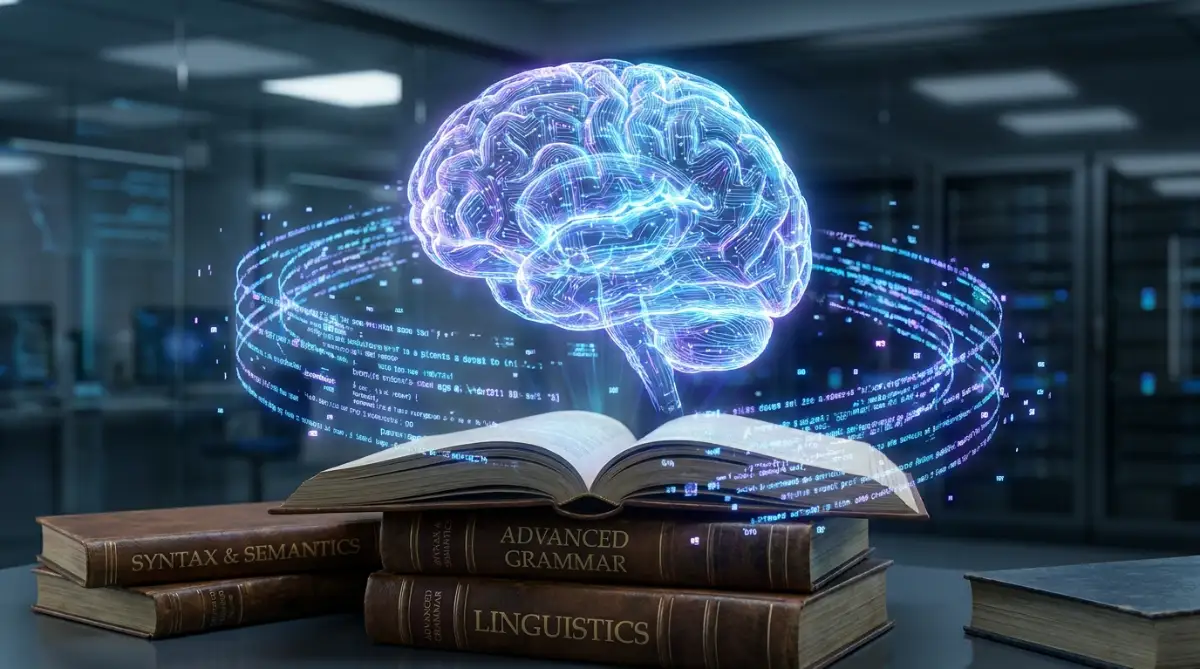
This was the massive turning point where software stopped being a simple dictionary and started becoming an actual assistant. The system learned that the word "bark" means one thing when placed next to "dog," and something entirely different when placed next to "tree."
Myth vs Reality: Understanding Your Digital Assistant
A lot of people misunderstand what modern writing software actually does behind the scenes. Let us clear up some common confusion so you can get the most out of your digital tools.
- The Myth: Smart spell-checkers are trying to rewrite your personal voice and make everyone sound like a robot.
- The Reality: These tools are actually designed to adapt to your specific style over time. They learn your frequent phrases and suggest corrections that match your normal way of speaking.
- The Myth: If the software does not underline anything, your document is totally ready to publish.
- The Reality: No tool is absolutely perfect. Contextual AI still misses nuanced cultural jokes or highly specific industry jargon. You still need human eyes for the final review.
Recognizing Tone and Emotional Intent
The biggest leap in text correction happened when systems started understanding emotion. Modern algorithms do not just look for bad grammar; they analyze the overall vibe of your message. They can actually tell if your email sounds angry, overly formal, or too casual for a workplace setting.
Imagine typing a message to your boss saying, "Give me the report now." The AI recognizes that this combination of words sounds demanding and potentially rude. It will softly suggest changing it to "Could you please share the report when you have a moment?"
This level of assistance goes far beyond simple spelling corrections. It acts as an emotional filter, saving you from damaging relationships when you are typing in a rush or feeling frustrated. It reads the room before you ever hit the send button.
A Quick Look at the Changing Features
To really understand how much things have changed, it helps to see the features side by side. Here is a simple breakdown of what we used to deal with compared to what we have today.
How Algorithms Learn From Our Corrections
Every time you interact with a smart writing assistant, you are actually helping it get smarter. When millions of people consistently reject a specific grammar suggestion, the system notices the pattern. It realizes that the rule it tried to enforce might be outdated or incorrect for casual conversation.
The software adjusts its internal logic based on this massive pool of human feedback. It is a brilliant cycle of constant improvement. The tool helps you write better, and your choices help the tool understand human nature more accurately.
This is why modern text checkers seem to understand internet slang and new cultural phrases so quickly. They do not have to wait for a dictionary publisher to print a new book. They just watch how real people type in real life and adapt on the fly.
Dealing With False Positives in Your Writing
Even with all this incredible technology, the AI will sometimes confidently highlight something that is actually perfectly fine. We call these occurrences false positives. They usually happen when you are writing creative fiction or using highly specialized technical terms.
If you are writing a sci-fi story and create an alien language, the AI will naturally panic and cover your page in red lines. The best way to handle this is to use the software's customization features. Most modern systems allow you to create specific style guides or turn off certain rules for specific documents.
You must remember that you are always the final boss of your own writing. The glowing suggestions on your screen are just advice, not strict commands. If an automated fix changes the rhythm or soul of your sentence, you should absolutely ignore it.
The Psychology of Writing With an AI Co-Pilot
Having a highly intelligent system constantly watching your keystrokes actually changes how your brain processes writing. In the past, people would write a messy first draft and save all the corrections for the very end. It was a separate, distinct phase of the writing process.
Today, the feedback loop is totally instant. As soon as you type an awkward phrase, a gentle highlight appears to guide you back on track. For many people, this removes the heavy pressure of starting a blank page, because they know the software will catch their minor slips.
However, this instant feedback can also be deeply distracting if you are trying to brainstorm creatively. Seeing constant colorful lines can break your flow state. This is exactly why I recommend turning off live suggestions when you are just trying to get your raw ideas onto the screen.
My Personal Editing Routine:
Here is a quick trick I use every single day to save my mental energy:
- Write the entire first draft with the AI assistant completely turned off.
- Take a five-minute break away from the screen.
- Turn the assistant back on and fix all the highlighted errors in one quick sweep.
Getting the Absolute Best From Your Smart Writing Companion
Having a brilliant piece of software on your computer does not automatically make you a perfect writer. You actually have to know how to drive the machine to get the best results. Many people simply install a grammar checker, leave it on default settings, and hope for the best.
This passive approach usually leads to massive frustration down the road. If you want to maintain a highly professional image, you need to actively manage how your software behaves. It is time to treat your text assistant like a new employee who needs proper training to understand your specific needs.
Building Your Personal Digital Vocabulary
The very first step to long-term success is actively building your custom dictionary. Every industry has its own unique jargon, brand names, and technical terms that standard software will not recognize. If you work in medical billing, for example, your screen will constantly bleed red with false errors.
Whenever you type a specialized word that you know is correct, take the extra two seconds to add it to your dictionary. Do not just hit "ignore" to make the red line go away temporarily. By adding the word permanently, you are teaching the algorithm to respect your professional vocabulary.
Think about how software logic works in other programs. Just like figuring out why conditional formatting fails to trigger alerts and how to fix it in a spreadsheet, you must fix the underlying rules of your writing tool. Once the computer knows your specific words, the annoying alerts will stop permanently.
Managing Your Emotional Tone Settings
One of the greatest hidden secrets of modern writing software is the ability to adjust your target tone. Most high-end tools allow you to tell the system exactly what kind of message you are trying to write. You can usually select options like professional, casual, confident, or friendly.
If you are drafting a highly technical report for your board of directors, you want the software to suggest formal alternatives. If you are typing a quick message to your team on Slack, you want the software to relax and allow conversational slang. Setting this intention before you type changes the entire way the algorithm judges your words.
This small habit completely removes the anxiety of sounding inappropriate in different situations. Offloading this worry to a computer is exactly why automating small digital chores dramatically improves mental health. You no longer have to spend twenty minutes sweating over the tone of a single email.
The Art of Batch Processing Your Edits
A major secret used by professional editors is the concept of batch processing. When you are writing a fresh draft, seeing colorful lines pop up under every other word can completely destroy your creative flow. You lose your train of thought because you are constantly stopping to fix minor spelling mistakes.
The smartest thing you can do is turn off live suggestions while you are getting your raw ideas onto the page. Let the typos happen naturally while your brain is working hard on the actual message. Once your document is completely finished, then you turn the assistant back on.
You can then review all the suggestions at once in a single editing session. This separates the creative brain from the analytical brain, allowing you to work much faster. Understanding how to interact with natural language processing models on your own terms makes the technology work for you, rather than against you.
Protecting Your Sensitive Information
We need to have a serious conversation about privacy when using advanced text checkers. Because these smart tools require massive computing power, they usually send your typed text to remote cloud servers for instant analysis. This means the company behind the software is potentially reading what you type.
If you work with confidential client data, secret legal documents, or private health records, you must be incredibly careful. Blindly pasting sensitive information into a free online grammar checker is a massive security risk. Always read the privacy policy of the tool you are using to see if they store or train their models on your personal data.
Treat your written text with the exact same level of security you would give to financial records. This requires the same careful mindset you would use when figuring out how to secure sensitive customer data during cloud transfers. If a document is highly classified, you might need to stick to basic, offline spell-check features.
The Hidden Dangers of Blindly Trusting Your Screen
Technology is incredibly helpful, but it is never completely flawless. The biggest trap people fall into today is turning off their own brains and letting the computer make every single decision. When you blindly trust automated software, you open yourself up to a whole new world of embarrassing disasters.
We have moved past simple spelling errors and entered the era of contextual mistakes. An AI might suggest a word that is technically correct in grammar, but completely wrong for your specific situation. If you are not paying close attention, these automated "fixes" can severely damage your reputation.
The Loss of Your Unique Human Voice
The most heartbreaking mistake I see is when people allow the software to completely sanitize their writing. Smart tools are programmed to favor standard, highly safe, and average sentence structures. If you accept every single style suggestion, your writing will eventually sound like it was generated by a boring corporate robot.
Humans connect with other humans through quirks, unique phrasing, and personal rhythm. If you remove all of your natural speaking habits to satisfy a computer algorithm, your messages lose their soul. People will read your emails and feel a strange disconnect, even if they cannot explain exactly why.
You should always fight to keep your personality visible in your text. Studies on the psychology of human communication show that slight imperfections and emotional tone are exactly how we build trust. Never let a machine bully you into sounding like someone you are not.
The Condolence Card Catastrophe
Let us look at a highly emotional real-life scenario where automated software completely fails. Imagine you are writing a heartfelt message to a coworker who just lost a family member. You type, "I am so deeply sorry for your terrible loss, my heart is breaking for you."
Your smart grammar tool might flag this sentence because it uses passive voice or seems overly emotional. The machine might suggest changing it to, "I apologize for the loss. My heart breaks." While this might be grammatically tighter, it sounds incredibly cold, robotic, and completely inappropriate for a grieving friend.
If you blindly click accept because you assume the computer knows best, you risk deeply offending someone you care about. The machine does not understand grief, empathy, or human connection. It only understands data points and sentence structures.
The International Context Trap
Another massive pitfall happens when we communicate across different cultures and regions. English is spoken all over the world, but the rules change drastically depending on where you are. American English, British English, and Australian English have completely different vocabularies and acceptable phrasing.
If your software is set to American English, it will aggressively try to fix words like "colour" or "organise." It might also flag British slang that is perfectly professional in London but unheard of in New York. If you are writing to an international client and let the software "correct" their local spelling, you might look highly disrespectful.
You must always be aware of your audience before you accept a regional grammar change. Adapting to your reader is a massive part of professional writing standards that no algorithm can handle perfectly. You have to be the smart human in the middle who understands the cultural context.
Ruining Creative and Fictional Writing
If you are writing a novel, a creative essay, or a personal blog post, grammar software can become your worst enemy. Creative writing relies heavily on breaking the rules on purpose. We use fragments, made-up words, and run-on sentences to build tension and show character personality.
If you write a piece of dialogue for a rough, uneducated character, they are going to use terrible grammar naturally. If you run that dialogue through a smart editor, the screen will look like a crime scene. The tool will try to make your gritty street character sound like a university professor.
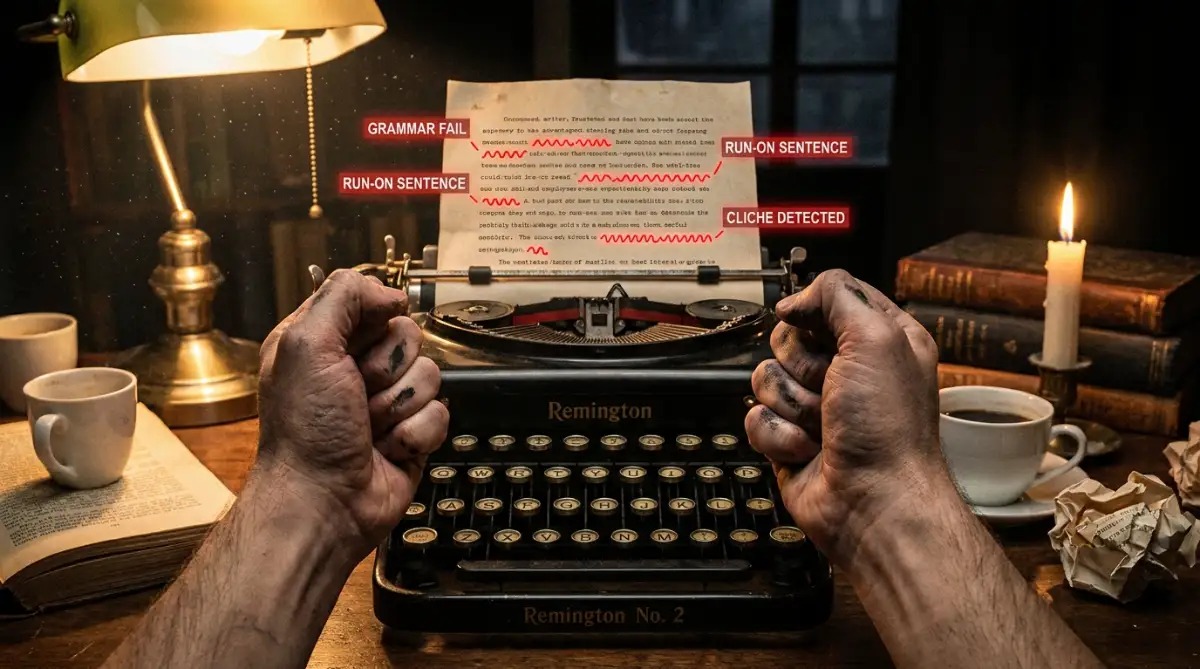
Accepting these automated fixes destroys the entire artistic value of your work. You must learn to forcefully ignore the software when you are making a stylistic choice. Knowing when to break the rules is exactly what makes someone a master of their craft.
Taking Complete Control of Your Digital Voice Today
We have explored an incredible journey from the days of heavy paper dictionaries to glowing screens that actually read our emotions. The technology sitting quietly on your laptop right now is nothing short of a modern miracle. It acts as a safety net, a tutor, and a highly efficient editing assistant all rolled into one.
However, the main lesson here is that you are still the pilot of this airplane. The software is just the dashboard giving you helpful readings and warnings about your altitude. You cannot take your hands off the steering wheel and expect to land safely every single time.
Start treating your writing tools as collaborative partners rather than strict bosses. Audit your settings today, build your personal dictionary, and learn to confidently ignore suggestions that feel wrong. By combining the processing power of a machine with the emotional intelligence of a human, your writing will become absolutely unstoppable.
My biggest personal breakthrough happened the day I finally stopped being intimidated by those glowing red underlines. I realized that my unique voice is my greatest asset, and no software on earth is allowed to change it without my direct permission. Take a deep breath, trust your own instincts, and start typing with total confidence today.
Common Questions About Modern Writing Software
Do smart grammar tools steal my personal information?
Most reputable companies encrypt your text and do not read your private documents manually. However, free browser extensions often collect your typing data to train their future algorithms. Always check the privacy settings if you are working with highly sensitive client information.
Why does the software sometimes highlight completely correct words?
This usually happens because the AI gets confused by unusual sentence structures or very specific industry jargon. The tool is comparing your text to average, everyday writing patterns. If your correct word does not fit the most common pattern, the system will flag it just to be safe.
Will relying on these tools make my actual writing skills worse?
It actually does the exact opposite if you pay attention to the suggestions. Because the tools explain exactly why a comma is needed or why a word is wrong, they act as a daily personalized tutor. Over time, you will naturally stop making the mistakes the software frequently corrects.
Can I use smart editing tools for my creative fiction?
Yes, but you have to adjust the settings heavily so it does not ruin your artistic voice. Most authors turn off strict grammar rules and only use the software to catch basic typos. You have to aggressively ignore the tool when it tries to fix your intentional dialogue choices.
Does it matter if I use American or British settings?
Yes, it makes a massive difference in how the software judges your spelling and vocabulary. If you are writing to a company in London using American settings, the tool will force you to use American spellings. Always align your software settings with the specific audience you are trying to reach.
Disclaimer: The information provided in this article is for educational and informational purposes only. Writing software features, privacy policies, and digital tools change frequently. Always review the specific terms of service and security settings of any software before trusting it with your personal or professional data.