Drowning in Spreadsheets: My Personal Wake-Up Call
You know that heavy feeling in your chest when you open a spreadsheet with 5,000 blank rows? Yeah, I have been there too. Just a few years ago, I stared at my monitor for ten minutes straight, completely dreading the endless copy-paste nightmare waiting for me. That is when it hit me: we are not built to be human USB drives. Let me show you how I finally escaped the daily data-entry trap and got my free time back.
This daily grind was completely destroying my mental peace. I would leave my desk feeling exhausted, angry, and feeling like I accomplished absolutely nothing meaningful. You might be in this exact same position right now, feeling like your job is mostly just moving tiny pieces of digital text from one window to another.
Ordinary people everywhere are losing hours of their precious lives to this kind of mind-numbing manual labor. Small business owners are spending their evenings doing data entry instead of playing with their kids. Freelancers are missing out on getting new clients because they are stuck organizing old invoices. We live with this constant, heavy background stress, knowing that if we stop typing, our business systems will completely break down.
When your entire day is consumed by copy-pasting, you lose the ability to think creatively. Human beings were not built to perform the exact same repetitive keystrokes thousands of times a day. We make mistakes, we get tired, and eventually, we burn out completely.
The saddest part is that we often blame ourselves for not being fast enough or focused enough. But the reality is that the problem isn't your work ethic.
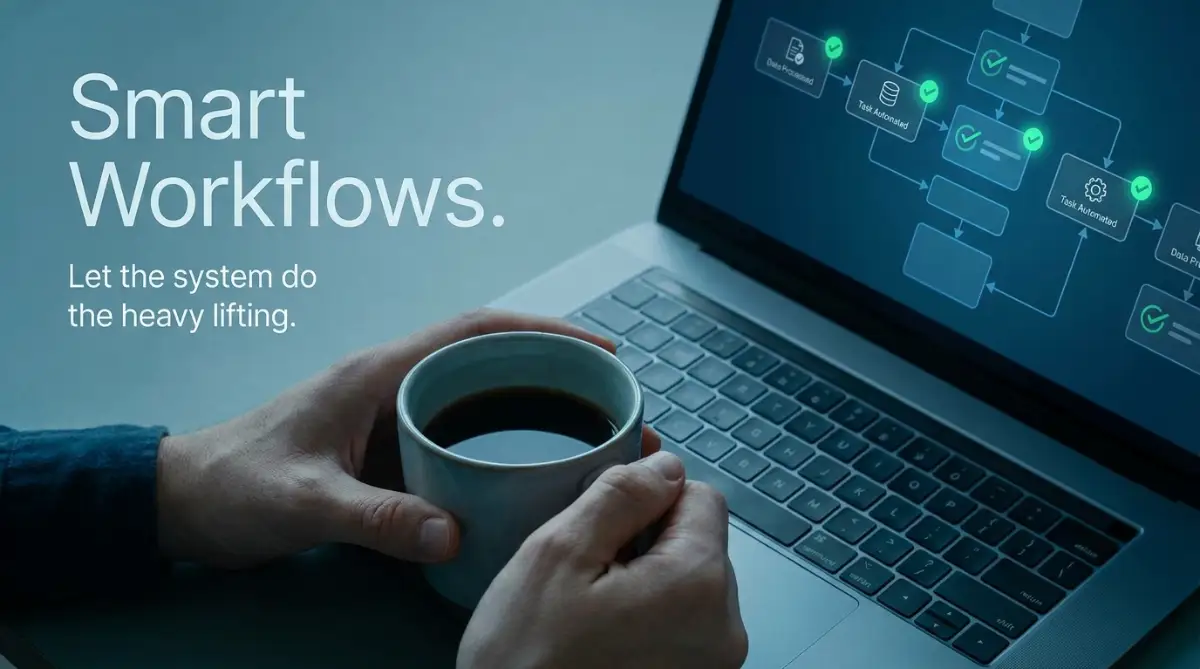
What You Will Learn Today (The Short Version)
- Stop the Copy-Paste Trap: Why doing manual data entry is draining your energy and hurting your business.
- The "Trigger and Action" Rule: How simple "If This, Then That" logic can handle your boring tasks automatically.
- Testing is Everything: Why you should always run a fake test before making your new digital systems live.
- Keep the Human Touch: Exactly when to use automation and when you absolutely need to reply yourself.
The Myth of "Working Harder" vs. Working Smarter
Many of us grew up believing that success requires painful, grinding effort. If you have hundreds of emails to sort, the standard advice is to just drink another coffee and power through it. But this mindset is exactly what keeps us trapped in a cycle of endless exhaustion.
Think about the last time you manually transferred sales leads from a Facebook ad campaign into your customer database. It probably felt productive because your fingers were moving quickly. You were clicking, typing, and checking boxes. However, being busy does not automatically mean you are being productive.
Every minute you spend acting like a human bridge between two software programs is a minute stolen from your actual goals. You could be strategizing a new marketing campaign. You could be improving your product. Instead, you are acting as a very slow, very tired USB drive.
It is time to change the way we look at digital work. You do not need to be a computer genius to stop this cycle. You do not need to understand complex programming languages. The tools available today are designed specifically for regular, non-technical people who just want to get their time back.
Mapping the Chaos: Finding Your Biggest Time-Wasters
Before we start building any automated systems, we need to understand exactly where your time is leaking out. You cannot fix a problem if you do not clearly see it. The very first step is to perform a brutally honest audit of your daily digital routine.
Grab a physical piece of paper and a pen. Tomorrow morning, keep this paper right next to your keyboard. Every single time you find yourself copying information from one place and pasting it into another, write it down. Every time you download an attachment just to upload it somewhere else, write it down.
You will likely be shocked by the results. Most people discover that they perform the same five or six digital loops dozens of times a day. We do these tasks on autopilot, so we never realize just how much total time they consume.
Look for tasks that follow a very strict, predictable pattern. For example, if a new customer buys a product, you always send them a specific PDF file. If someone fills out your website contact form, you always add their details to your phone contacts. These highly predictable patterns are the perfect candidates for your new invisible assistant.
Quick Cheat Sheet: Which Beginner Tool Should You Try First?
If you are wondering where to actually start, here is a quick breakdown of the most beginner-friendly platforms I personally recommend:
- Zapier: Best for connecting almost any app on the internet. Super easy, but can get pricey.
- Make (formerly Integromat): Highly visual and much cheaper, perfect if you like seeing how things connect.
- IFTTT: Free and incredibly simple. Great for smart home devices and basic social media posting.
Do not try to fix everything on day one. Circle the single most annoying, most time-consuming task on your paper. This is going to be your very first target. By focusing on just one major pain point, you will build your confidence without feeling overwhelmed.
Understanding the Logic Behind Digital Bridges
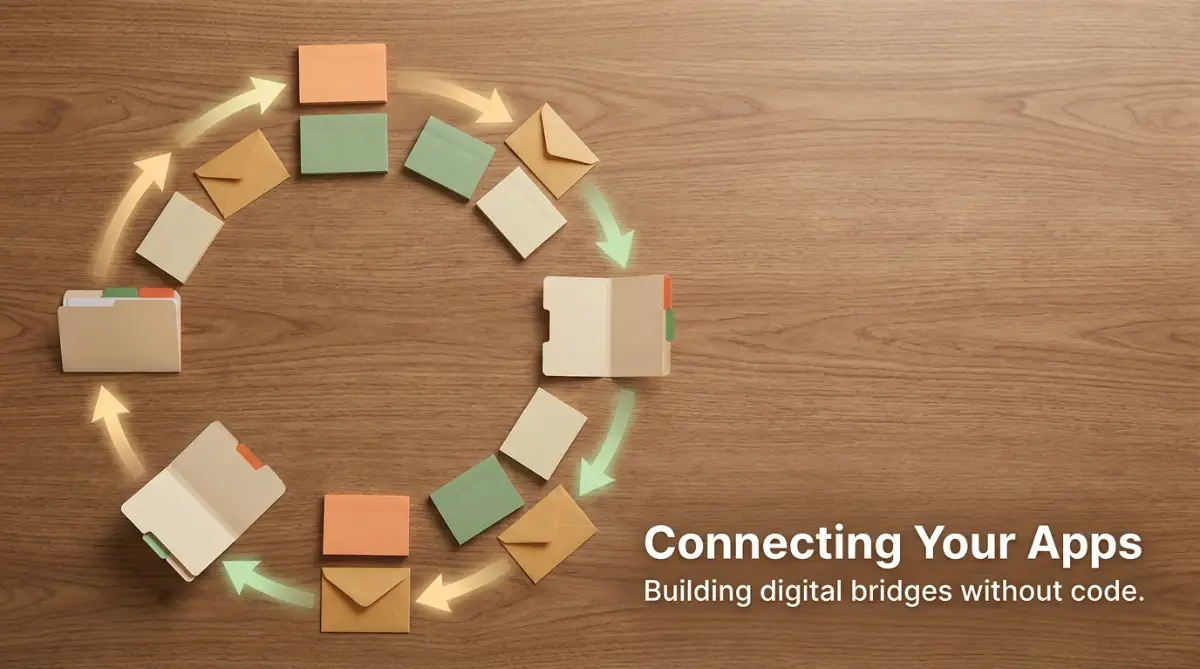
To fix this problem, you need to understand how different software applications talk to each other. Imagine your email inbox and your spreadsheet are two people living on opposite sides of a wide river. Right now, you are the person rowing a small boat back and forth, carrying messages between them.
Automating your work simply means building a strong digital bridge over that river. Once the bridge is built, the messages can flow back and forth automatically, instantly, and without your physical involvement. You get to step out of the boat and watch the magic happen from the shore.
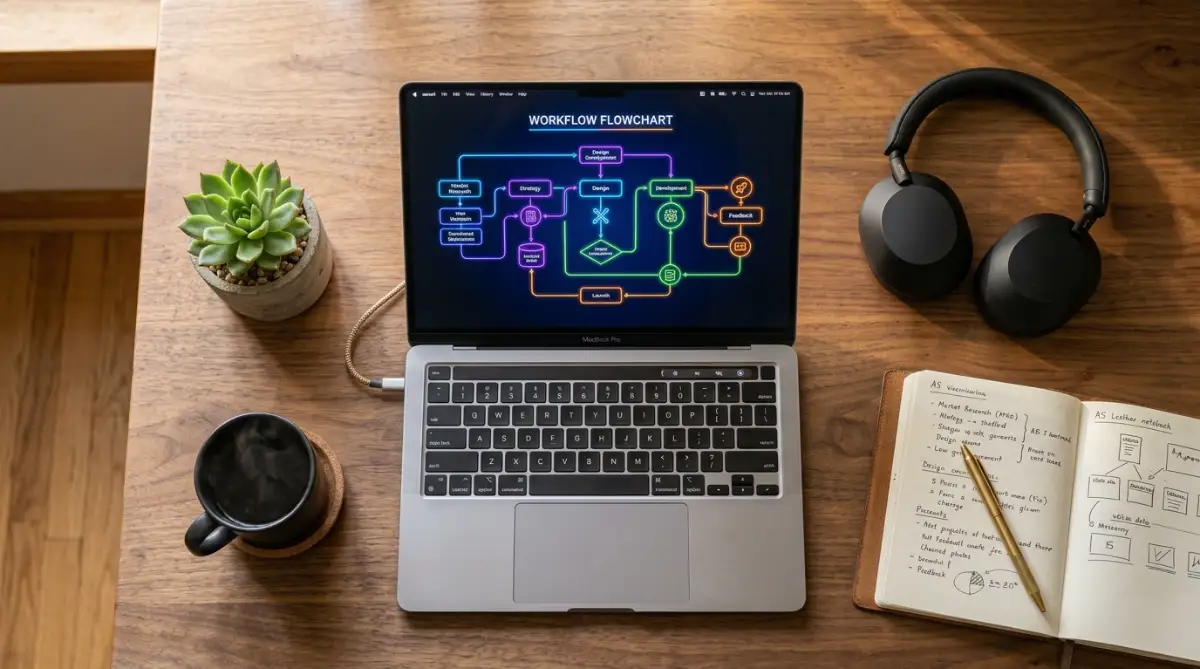
This bridge is built using very simple "If This, Then That" logic. It is the exact same logic you use in your everyday life. If it rains, then you take an umbrella. If the sun goes down, then you turn on the lights. Digital workflows operate on this exact same simple principle.
We break this logic down into two main parts: The Trigger and The Action. A trigger is the event that starts the entire process. It is the "If This" part of the sentence. An action is what you want to happen automatically afterward. It is the "Then That" part of the sentence.
For instance, receiving a new email with the subject line "Invoice" is a Trigger. Automatically saving the attached PDF to a specific Google Drive folder is the Action. You just tell the software what to look for, and what to do when it finds it.
Setting Up the Invisible Watchdog (The Trigger)
The magic starts by setting up a reliable trigger. You need to tell your new system exactly what to watch out for. Think of a trigger like a digital motion sensor outside your house. It sits there silently, completely hidden, just waiting for a specific movement to happen.
When setting up your trigger, you need to be very specific. If you just say "watch my email," the system will get confused by all the junk mail and newsletters. You must give it clear, exact instructions.
You might tell the system: "Watch my Gmail account, but only look for emails that come from my payment processor, and only if they have the word 'Success' in the subject line." Because you were highly specific, the digital motion sensor will ignore everything else and only react to real sales.
When I first started connecting my email to a spreadsheet, I completely forgot to filter out the spam messages. My clean, organized sheet quickly turned into a messy pile of junk mail within hours, teaching me to always set very strict trigger rules before turning anything on.
This level of detail ensures that your automated system is highly accurate. It removes the human error element completely. A human might accidentally skip an email when they are tired. A properly set digital trigger will monitor your inbox 24 hours a day, 7 days a week, without ever taking a coffee break.
Watch this short visual breakdown to see exactly how a trigger communicates with an action behind the scenes. You will instantly grasp the logic once you see these digital blocks snapping together on screen.
Instructing the Digital Hands (The Action)
Once your trigger is perfectly set, it is time to define the action. This is where you tell the system exactly what task to perform on your behalf. Since the trigger acts as the eyes of the operation, the action acts as the hands.
You can make your digital hands do almost anything. They can create a new row in a database, send an SMS message to a client, create a customized calendar event, or even post a message in your team's chat group. The possibilities are genuinely endless once you understand the basic mechanics.
The best part is that you can chain multiple actions together. When that specific email arrives (The Trigger), the system can save the attachment (Action 1), add the sender's email to your newsletter list (Action 2), and send you a mobile notification (Action 3). You just accomplished three tasks in less than a second, while you were completely away from your keyboard.
Let's do the math on your saved time:
Think this sounds like a tiny change? Let's say transferring a client’s data takes you 3 minutes. If you get 5 clients a day, that is 15 minutes daily.
- In one week: You save over 1 hour.
- In one month: You get back 5 hours.
- In one year: You save 60 full hours of your life.
- That is almost a week of vacation time you just bought back for zero extra dollars!
Let's look at how this compares to the old way of doing things. It is important to see the clear difference in efficiency.
By looking at this simple comparison, you can easily see why wealthy and successful business owners rely heavily on these silent background systems. They are buying back their time.
Testing the Invisible Assistant Before Going Live
One of the most important steps in this entire process is testing. You should never build a digital bridge and immediately send heavy traffic over it without checking its stability first. The testing phase is your safety net.
Almost all modern platform tools give you a safe environment to test your newly created logic. They will pull in a piece of dummy data, like a fake email or a test form submission, and run it through your steps slowly. You get to watch exactly what happens at every single stage.
During the test, pay close attention to the formatting. Did the phone number transfer correctly? Did the first name go into the first name column, or did it accidentally mix with the last name? Catching these small formatting issues during the test phase saves you from massive headaches later.
If something looks wrong, do not panic. These systems are highly forgiving. You simply click on the step that failed, adjust the setting, and run the test again. It is exactly like adjusting the focus on a camera until the picture becomes perfectly clear.
Once your test runs smoothly and you see a bright green success message, you can officially turn the system on. This is always a deeply satisfying moment. You have just hired a silent, invisible worker who will tirelessly perform this boring task for you forever.
Real-Life Scenario: The E-commerce Seller
Let us look at a highly practical example to make this concept crystal clear. Imagine you run a small online store selling handmade crafts. Every time a customer places an order, you receive a notification in your store dashboard.
In the past, you had to log in, find the order, copy the customer's shipping address, paste it into your shipping software to print a label, and then manually type out a customized thank-you email. If you get 20 orders in a day, you are spending hours just managing data.
By applying smart workflows, you can connect your store directly to your shipping software. The moment a purchase happens (Trigger), the system instantly generates a ready-to-print shipping label (Action 1). Simultaneously, it looks at the customer's first name and sends a personalized, warm email thanking them for their specific purchase (Action 2).
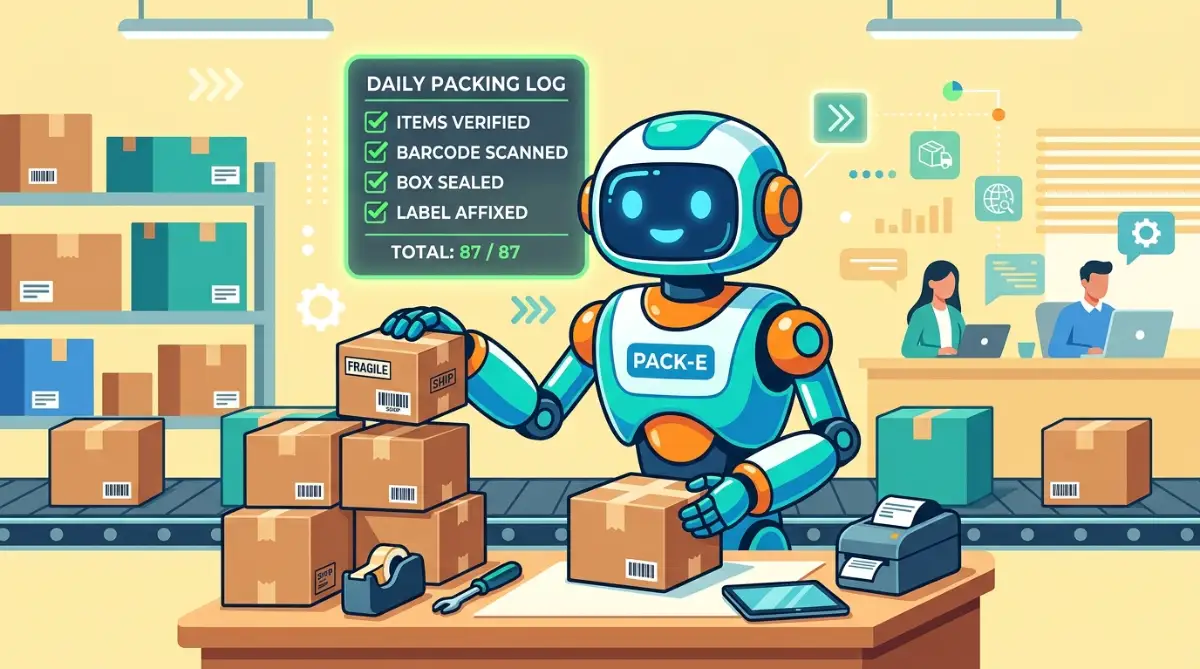
You wake up in the morning, and your shipping labels are already generated and waiting for you. The customers have already received their warm greetings. You did absolutely zero typing. Your only job now is to physically pack the beautiful crafts and drop them in the mail.
Real-Life Scenario: The Busy Freelancer
Now let us view this from the perspective of an independent freelancer, like a graphic designer or a consultant. Your income depends entirely on handling new client inquiries quickly and professionally.
When a potential client fills out the contact form on your portfolio website, you cannot afford to let that message sit in your inbox for two days. In the manual world, you would eventually see the email, copy the details into your personal CRM tracker, and manually type out a reply asking to schedule a call.
With a smart workflow, the moment the form is submitted (Trigger), the client's details are instantly logged into a fresh row in your tracking sheet (Action 1). Then, the system instantly sends the client a beautiful, pre-written email containing a link to your online calendar (Action 2).
While you are busy designing a logo for someone else, your background system is actively securing your next client. It makes you look incredibly professional, highly responsive, and brilliantly organized. The client feels valued because they received an instant, helpful response, completely unaware that a silent system handled the entire interaction.
By breaking down your daily routine and applying these basic principles, you can radically transform your workday. You stop functioning as a data-entry machine and start operating as the true manager of your business. The tools are ready and waiting; you just need to map out your first simple bridge.
Building Smart Paths: Moving Beyond Basic Workflows
Once you master the simple "If This, Then That" concept, a whole new world of digital possibilities opens up. You stop thinking about single tasks and start looking at entire business processes differently. You are no longer just building a single bridge over a river; you are designing an entire intelligent highway system.
The real magic happens when you introduce something called "Conditional Logic" into your automated systems. Do not let the fancy name scare you. It simply means telling your digital assistant to make basic decisions based on specific rules you set. Think of it like a train conductor switching the tracks depending on where a specific cargo needs to go.
Imagine you receive hundreds of customer support emails every single week. Some of these emails are simple questions about store hours, while others are urgent complaints from unhappy buyers. A basic workflow would treat every single email exactly the same. However, adding conditional logic allows your system to read the mood of the message before acting.
You can set a rule that scans incoming emails for negative words like "broken," "refund," or "angry." If the system detects these words, it instantly routes that specific message to your priority inbox and alerts you via text message. If the email only contains basic questions, it automatically sends a helpful FAQ document. This level of smart sorting heavily reduces workplace cognitive fatigue, allowing you to focus your mental energy on the people who actually need human support.
Keeping Your Digital Highway Clean and Organized
As you start building more of these background helpers, your digital workspace can quickly become cluttered. You might sign up for three different automation platforms just to test them out. Before you know it, you are paying monthly fees for tools you barely use.
This is exactly why managing software licensing and tracking your digital subscriptions becomes highly important. Keep a simple list of which tools handle which specific tasks. If you notice two tools doing the exact same job, cancel one immediately to save money and reduce confusion.
Another expert secret is to properly name every single workflow you create. When you build your first automation, the software might name it something confusing like "Zap 104" or "Scenario A." Always rename it immediately to something crystal clear, like "Save New Client Invoices to Google Drive."
Six months from now, you will completely forget how you built these systems. Giving them clear, descriptive names acts as a map for your future self. It takes two seconds to do, but it saves hours of frustrating detective work later down the road.
Evaluating your daily tasks to find automation opportunities is a lot like finding the best sun spots on your property for maximum power. You have to carefully observe where your energy and time flow most efficiently, and then place your tools exactly in those high-traffic areas.
The Golden Rule: Keep The Human Touch Where It Belongs
While it is incredibly tempting to automate every single interaction, you must resist this urge. The goal is to act like a smart machine behind the scenes, not to sound like a machine to your actual customers. People can instantly tell when they are receiving a robotic, emotionless response.
Never automate apologies, sensitive problem-solving, or high-ticket sales conversations. These situations require empathy, tone adjustment, and human understanding. Your background systems should handle the boring data entry, giving you the free time to write thoughtful, highly personal responses when a customer actually needs your help.
A great approach is to automate the preparation, but manualize the final step. For example, your system can gather a client's past purchase history, format it beautifully into a draft email, and leave it in your outbox. You then jump in, add a warm personal greeting, and click send yourself. You get the speed of software combined with the warmth of a real human being.
According to guidelines on delegating digital tasks effectively, striking this exact balance between speed and personalization is what separates average businesses from highly trusted brands.
The Danger Zone: Traps That Will Break Your Systems
Even the smartest digital builders make silly mistakes when they first start out. Because these tools are so incredibly fast, a small error can multiply into a massive headache within seconds. Understanding these common traps will save you from major panic attacks later.
The absolute biggest mistake people make is trying to automate a completely broken manual process. If your current method for organizing client files is a messy, disorganized disaster, automating it will just create a faster disaster. Software cannot fix bad habits.
Before you build a digital bridge, you must clean up your own workflow. Make sure your spreadsheets have clear headers. Make sure you are using consistent naming rules for your files. A clean manual process translates into a flawless automated system.
Another terrifying pitfall is creating what developers call an "Infinite Loop." This happens when you accidentally set an action that triggers itself over and over again. I once set up a system to forward an email from one inbox to another, but I accidentally set the second inbox to reply back to the first one.
I woke up the next morning to find over four thousand identical emails bouncing back and forth between my own accounts. It entirely crashed my email server for the day. Always double-check your logic to ensure your action does not accidentally restart your trigger.
Ignoring the Warning Signs and Silent Failures
Your automated systems are generally highly reliable, but they do rely on underlying application programming interfaces to talk to each other. Sometimes, a software company updates their platform, and your digital connection temporarily breaks.
When this happens, your automation tool will immediately send you a warning email saying a step has failed. Many beginners ignore these alerts, thinking the system will magically fix itself. Ignoring these small warnings is just like ignoring how roof pests are ruining your solar panels. What starts as a tiny, invisible problem will eventually cause the entire system to stop producing results.
Create a dedicated folder in your email just for automation alerts. Check it once a week. If you see a warning, go into your platform, click on the broken step, and simply reconnect the account. It usually takes less than a minute, but it keeps your entire business running perfectly.
Lastly, do not fall into the trap of over-complicating things on day one. You do not need a twenty-step workflow that updates five different apps simultaneously. Start with a simple two-step bridge. Move one piece of data from point A to point B. Build your confidence slowly before attempting massive digital operations.
Reclaiming Your Time and Mental Freedom
Stepping away from manual data entry is one of the most liberating choices you can make for your career and your personal life. You are no longer chained to a keyboard, acting as a slow copy-paste machine. You are now the architect of your own digital workspace.
Every single rule you set up is actively working in the background, treating your time with the respect it deserves. While you are sleeping, your systems are organizing invoices. While you are having dinner with your family, your software is welcoming new clients. You finally get to focus on the creative, high-value work that actually grows your business.
Finding the right digital solutions does not require a degree in computer science anymore. The barriers have been completely removed. The tools are affordable, visual, and explicitly designed for regular people who want their evenings back. All it takes is a little bit of patience and a willingness to rethink how work gets done.
When you build your very first successful digital bridge, you will feel an incredible sense of relief. You will watch data move magically across your screen without you touching a single key. That is the exact moment you realize you can never go back to the old, painful way of working.
My biggest regret is simply not starting this process sooner, because I thought I was not "tech-savvy" enough to pull it off. I promise you, if you can drag and drop a file on your computer, you have all the skills needed to build a system that works for you, instead of you working for the system. Take a deep breath, pick your most annoying daily task, and build your first bridge today!
Common Questions About Setting Up No-Code Tools
Is it safe to give these platforms access to my email and databases?
Yes, highly reputable platforms use industry-standard encryption to protect your data. They act as a secure middleman and do not sell your personal information. However, always stick to well-known, established tools and enable two-factor authentication on your accounts for extra safety.
Do I need to pay a lot of money to start automating my tasks?
Not at all. Almost all major no-code platforms offer a completely free plan that lets you build basic workflows and test the waters. You only need to upgrade to a paid plan when your business grows and you need to process hundreds of automated tasks every single day.
What happens if I accidentally build a workflow that messes up my data?
This is why testing is highly recommended before turning any system on permanently. If a mistake does happen, most software tools have a detailed history log. You can easily review what went wrong, pause the system, and correct the data manually.
Will these automated systems eventually replace human jobs?
These tools are designed to replace boring, robotic tasks, not actual human beings. By removing the mind-numbing data entry work, employees actually get to focus on relationship-building, strategy, and creative problem-solving. It makes our daily jobs much more interesting and far less stressful.
Do I need to check my workflows every single day to make sure they run?
No, the beauty of this technology is that it operates silently in the background without daily supervision. You only need to log in if the platform sends you a specific error notification. Otherwise, you can easily go weeks or months without ever looking at your digital bridges.
Disclaimer: The information provided in this article is for educational and informational purposes only. Software tools, platform interfaces, and digital capabilities update frequently. Always verify current features directly with the service providers. We are not responsible for any accidental data loss or software errors that may occur while setting up automated workflows. Always test your digital systems in a safe environment before applying them to live business operations.


