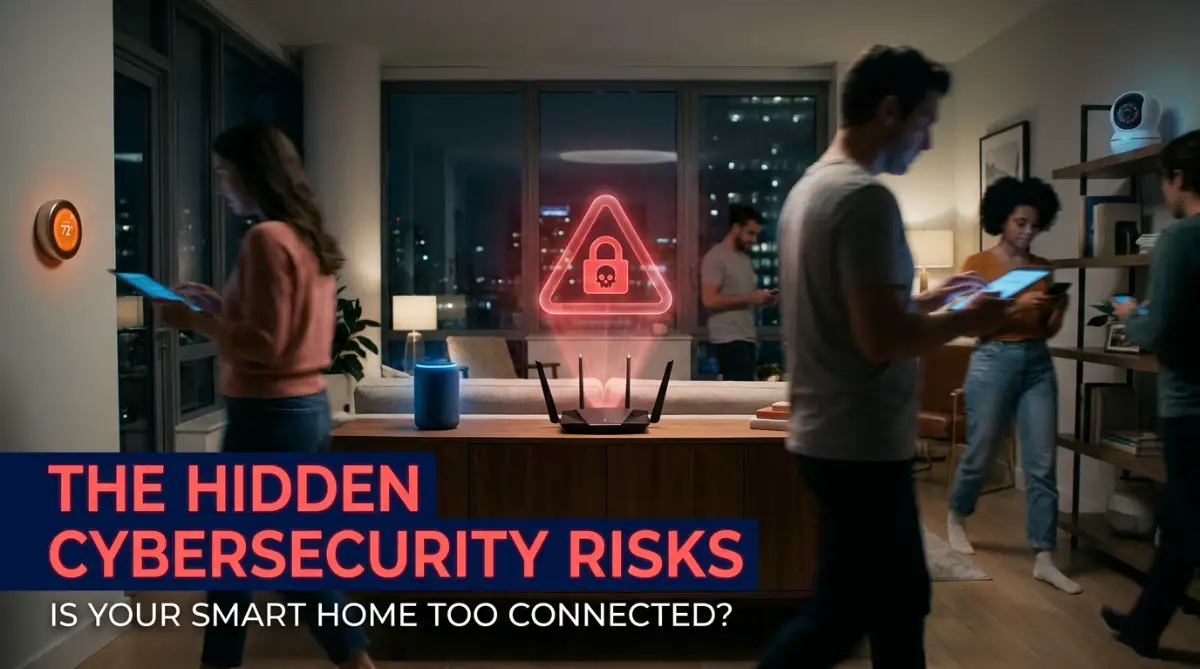
Ever looked at your shiny new smart thermostat and wondered if it is quietly handing over your Wi-Fi password to a stranger? A few weeks ago, I noticed some weird activity on my home internet, and it completely changed how I treat my "smart" gadgets. Most of us just plug these devices in, connect them to our router, and forget about them. But setting them up without proper boundaries is basically leaving your front door wide open for uninvited guests. Let's fix that today without getting bogged down in confusing tech jargon.
I quickly grabbed my phone to turn the heat down, but the manufacturer's app was completely locked out. My login details just stopped working.
A few minutes later, the smart speakers in my bedroom started playing loud static noise at full volume. My heart was pounding out of my chest.
I realized someone else had taken total control over the very devices I bought to make my life easier. I felt completely trapped in my own house.
That night, I nervously unplugged my Wi-Fi router and sat in total silence, feeling deeply invaded and helpless. I never thought buying a cheap smart lightbulb would open the front door to my personal life.
This is the terrifying reality so many regular people face today without even knowing it. We blindly connect everything to our main internet router, assuming it is perfectly safe.
We buy smart locks, security cameras, and voice assistants to feel more protected. Yet, these amazing gadgets often become the very things that steal our peace of mind.
Imagine trying to sleep at night, wondering if the tiny camera in the corner of the room is watching your family. The anxiety of lost privacy can absolutely destroy your mental health.
You work hard to buy these modern conveniences, only to discover they act as digital spies. The emotional toll of this hidden danger is incredibly heavy and exhausting.
We just want our coffee makers to start in the morning and our lights to dim at night. But instead, we are unknowingly handing over our personal data to unknown strangers on the internet.
Quick Action Plan For Your Home:
- Move all your smart bulbs, cameras, and plugs to a separate "Guest Wi-Fi" network today.
- Change the factory default passwords on every new gadget you buy.
- Turn off UPnP in your router settings to block invisible external attacks.
- Choose security cameras that use local SD cards instead of risky cloud storage.
The Terrifying Domino Effect in Your Living Room
When you buy a brand new gadget, the first thing you do is connect it to your home Wi-Fi. You type in your main password, wait for the green checkmark, and feel a sense of accomplishment.
But what most people do not realize is exactly how this single action creates a massive security gap. You are basically putting all your eggs in one fragile, invisible basket.
Think of your home internet network like a giant, beautiful castle. Inside this castle, you keep your most valuable treasures: your laptop, your banking details, and your personal emails.
To protect this castle, you have a heavy front gate, which is your Wi-Fi password. Now, imagine you hire fifty different contractors to build tiny side doors all around the castle walls.
These side doors represent your smart plugs, robot vacuums, and connected air purifiers. You hope all these contractors build strong doors, but unfortunately, most of them use cheap wood and zero locks.
A hacker does not need to break down your massive front gate to get inside your castle. They just need to find the weakest, cheapest side door you completely forgot about.
Once they slip through that unprotected smart lightbulb, they are completely inside your network. They can now roam around freely and target your most sensitive devices.
This is what cybersecurity experts call "lateral movement," and it is extremely dangerous. The bad guys jump from a seemingly harmless gadget directly into your personal computer.
Suddenly, your innocent smart fridge becomes the gateway to your private financial information.
The biggest problem is that manufacturers of budget-friendly gadgets often rush their products to the store shelves. They want to sell you a cheap device as fast as possible, so they completely ignore basic security rules.
They leave invisible backdoors open inside the device's software. They do not spend money on protecting the connection between the gadget and your home router.
So, when you connect that twenty-dollar security camera to your main network, you are taking a huge gamble. You are trusting a random, unknown company with the safety of your entire digital life.
The Illusion of Total Security
Many of us falsely believe that because we have a strong Wi-Fi password, we are completely safe. We use complex combinations of letters and numbers, feeling incredibly smart and secure.
However, a strong password only protects the main entrance of your router. It does absolutely nothing to protect the internal conversations happening between your connected devices.
If a hacker compromises a smart gadget through a cloud server, your router password becomes completely useless. The attack comes from the inside out, completely bypassing your heavy front gate.
Security Myth vs. Fact:
- Myth: "My Wi-Fi password is 16 characters long, so my smart home is safe."
- Fact: A strong router password keeps people from parking outside and joining your network. However, if a hacker gets into your cheap smart plug through the manufacturer's weak cloud server, they are already inside your network. Your Wi-Fi password won't stop them at that point.
This means your private photos on your phone could be exposed simply because your smart TV has outdated software. It sounds like a science fiction movie, but it happens every single day to normal families.
How to Build an Invisible Wall Between Your Gadgets
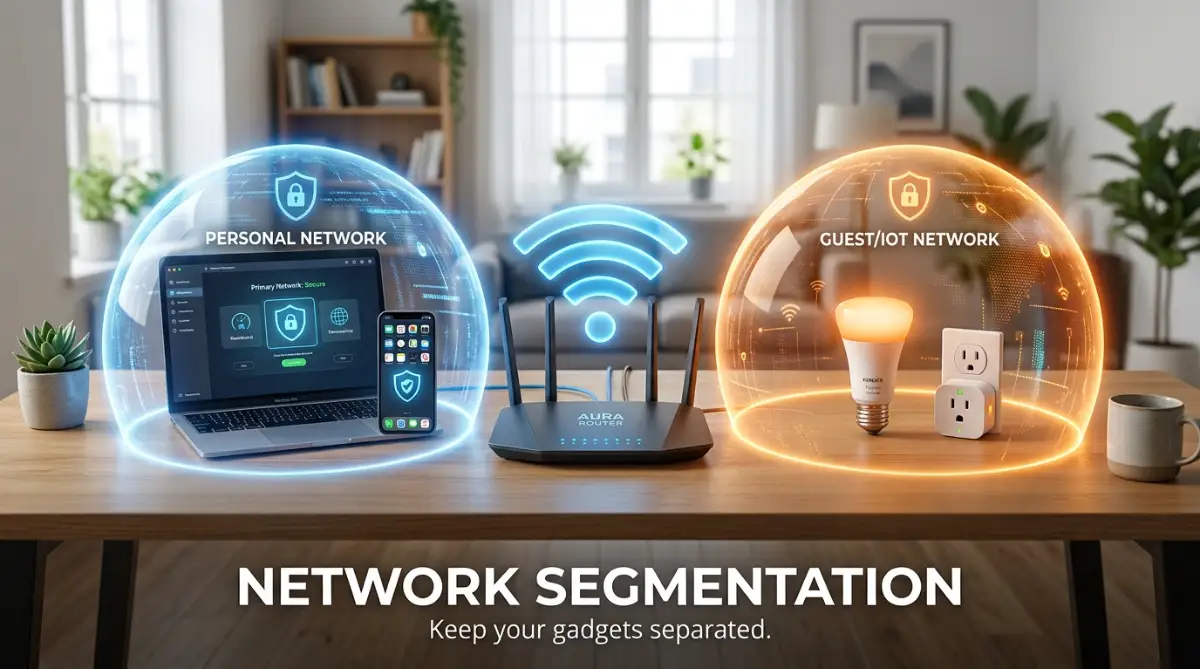
Now that we understand the deep risks, we need to talk about fixing the problem immediately. The absolute best way to protect your digital life is by using a method called network segmentation.
Do not let the big technical words scare you away from doing this. It simply means creating a separate, completely isolated playground for your smart home devices.
Most modern routers have a built-in feature called a "Guest Network." You probably use it when friends come over so you do not have to share your main password.
This guest network acts like an invisible, bulletproof wall inside your house. It allows devices to connect to the internet, but it blocks them from talking to your personal computers.
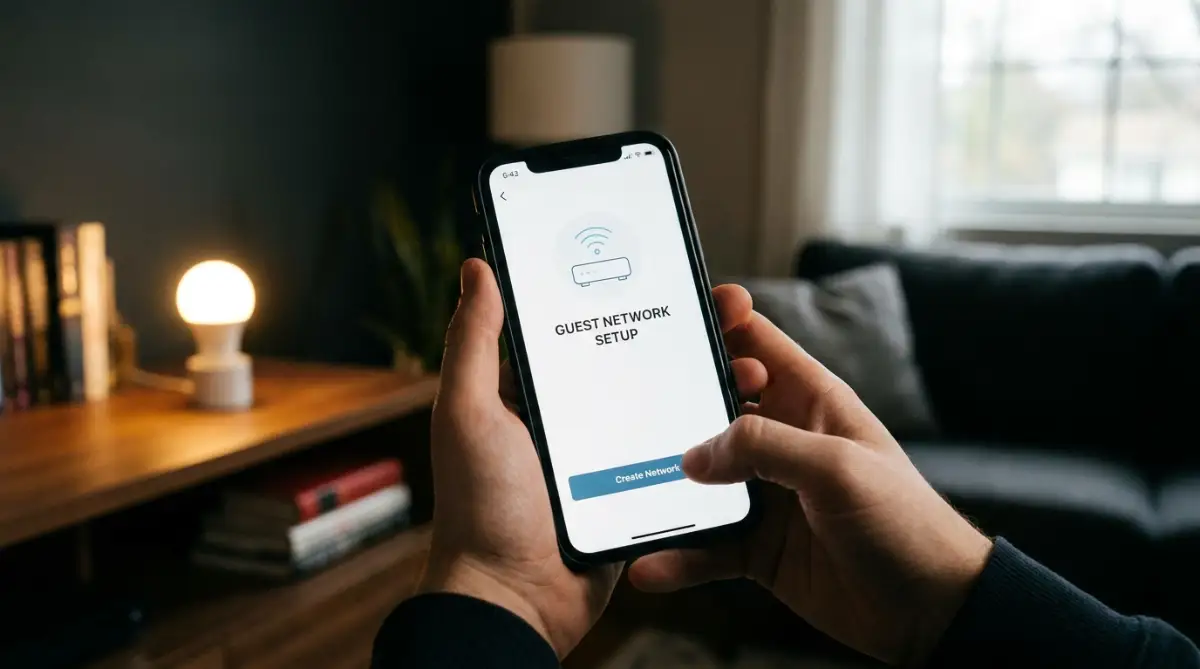
To set this up, you just need to follow a few simple, highly effective steps right now.
First, open your router's mobile app or log into its settings using your web browser. Look for a tab that says "Wireless Settings" or "Guest Network."
Turn the guest network feature on and give it a completely new, unique name. Call it something boring like "Home Network 2" so it does not attract unnecessary attention.
Next, create a very strong, long password for this new network. Once the guest network is actively running, you have to do the slightly annoying but highly necessary work of reconnecting your gadgets.
Go through your house and connect your smart speakers, bulbs, and vacuums to this new guest network. Keep your laptops, smartphones, and tablets safely connected to your original main network.
By doing this, you instantly cut off the lateral movement hackers rely on. If someone breaks into your smart plug now, they are trapped in the guest network with nowhere else to go.
They cannot see your laptop, they cannot access your online banking, and they cannot steal your identity. You have successfully locked the valuable items inside a vault while leaving the cheap toys outside.
Watch this incredibly helpful breakdown on exactly why separating your networks is the smartest move you can make today:
I know reconnecting every single gadget sounds like a weekend chore you want to avoid. But the peace of mind you get from this one simple change is absolutely priceless.
You can finally sleep soundly knowing your family's private moments are completely isolated from potential threats. You are taking back the control that technology tried to quietly steal from you.
My personal realization about this changed everything for me. I used to think all my gadgets were friendly little helpers working together in harmony.
Pro Tip: I learned the hard way that convenience is often the enemy of security. My biggest mistake was buying five different brands of smart plugs because they were on sale, without checking their privacy policies. Now, I always keep a printed list of every connected device in my home and immediately connect them to my isolated guest network before I even download their app.
The Silent Threat of Factory Settings
Another massive mistake people make is trusting the default settings straight out of the box. When you buy a connected device, it usually comes with a generic, weak password like "admin" or "123456".
Hackers actually have massive, easily searchable lists of these default passwords on the internet. They run automated computer programs that constantly scan neighborhoods looking for these exact factory settings.
If you leave the default password on your smart security camera, you are practically handing over the keys. Anyone with a basic computer and bad intentions can log in and watch your living room live stream.
You must change the default login credentials the very second you plug a new device into the wall.
Open the companion app, dig into the account settings, and create a brand new, unique password. Use a long phrase that makes sense to you but would be impossible for a stranger to guess.
Do not use your pet's name, your birth year, or your street address. Try combining random words like "BlueCoffeeWindowRun" to make it incredibly hard for automated hacking tools to crack.
If the app offers something called Two-Factor Authentication (2FA), turn it on immediately. This means that even if a hacker guesses your password, they still need a special code sent to your personal phone to get in.
It adds an extra five seconds to your login time, but it builds an almost unbreakable barrier against remote attacks. This tiny layer of friction is the difference between keeping your privacy and losing it completely.
The sad truth is that most smart gadgets do not automatically update themselves to fix security holes. Your phone gently reminds you to install the latest software, but a smart lightbulb just silently becomes vulnerable.
Companies often release software updates, known as firmware, to patch newly discovered weaknesses. However, they rely entirely on you to open their app and manually click the update button.
Set a monthly reminder on your phone to sit down and check for updates across all your smart home apps. Treat it exactly like checking the locks on your physical doors before you go to bed.
An outdated device is basically an open invitation to digital intruders looking for an easy target. Staying updated is your strongest defense against the constantly changing tactics of cybercriminals.
Why You Need to Audit Your App Permissions Today
Let us take a very close look at the apps you use to control these connected devices. We often blindly click "Allow" when an app asks for permission to access things on our phone.
Why does a smart toaster need permission to track your exact GPS location? Why does a smart lightbulb need access to your device's microphone and personal contact list?
The harsh reality is that many budget smart home companies make extra money by selling your data. They collect incredibly detailed profiles about your daily habits, your schedule, and your family's movements.
They know exactly what time you wake up, when you leave for work, and when your house is completely empty. This data is highly valuable to marketing companies, but it is also extremely dangerous if it falls into the wrong hands.
You need to take immediate control over what these applications are allowed to see and hear.
Grab your smartphone right now and open the main settings menu. Go to the privacy or application permissions section and look at your smart home apps.
Systematically turn off any permission that does not make logical sense for the device to function. Your smart plug will still turn on the lamp even if you deny it access to your photo gallery.
If an app absolutely refuses to work without tracking your location, you should seriously consider throwing that device in the trash. No cheap convenience is worth surrendering your fundamental right to privacy.
We often forget that the microphone on a smart speaker is always listening, waiting for a wake word. While they claim they do not record private conversations, there have been numerous scary incidents proving otherwise.
Sometimes, these devices accidentally record private arguments or intimate moments and send them to the company's servers for "quality testing." Human reviewers might end up listening to audio clips from your personal bedroom without your knowledge.
To regain your peace of mind, make a habit of physically muting the microphone on your voice assistants when you are not using them. Most devices have a dedicated physical button that cuts power to the microphone entirely.
When you have important, private conversations about your finances or health, simply push that mute button. It is a small physical action that guarantees your private thoughts stay entirely within the walls of your home.
We must stop treating these connected devices like magical friends and start treating them like untrusted guests. They bring wonderful conveniences into our lives, but they demand strict rules and boundaries to behave properly.
Taking these practical, manageable steps today will transform your home from a vulnerable target into a digital fortress. You will finally be able to enjoy the amazing benefits of smart technology without the exhausting, heavy burden of constant fear.
Taking Your Home Network Security to the Next Level
Once you have set up a separate playground for your smart gadgets, you are already miles ahead of the average person. However, true digital peace of mind requires a few extra layers of invisible armor.
Let us talk about a hidden setting inside your internet router called Universal Plug and Play, commonly known as UPnP. Router manufacturers usually turn this feature on by default because it makes setting up new gaming consoles and smart TVs incredibly easy.
The problem is that UPnP acts like an overly friendly security guard who automatically opens the door for anyone who asks. It allows connected devices to poke invisible holes through your router's firewall without asking for your permission first.
If a cheap smart plug gets infected with malware, UPnP allows that malware to open a direct communication line to a hacker on the outside. You could be entirely unaware that your home network is quietly sending your private data to a foreign server.
To fix this massive security gap, you need to log back into your router settings using your web browser. Look for the advanced network settings menu and manually toggle the UPnP feature to the "Off" position.
Turning this off might mean you have to manually configure certain online games in the future, but the security trade-off is absolutely worth the minor inconvenience. Following National Security guidelines on router vulnerabilities often points to disabling UPnP as a massive step forward in home protection.
Creating a Strict VIP List for Your Gadgets
Another incredibly powerful tool hidden inside your router is something called MAC Address Filtering. Think of this feature as creating a highly exclusive, strict VIP guest list for an expensive private party.
Every single device that connects to the internet has a unique, permanent digital fingerprint known as a Media Access Control (MAC) address. This string of letters and numbers is permanently stamped onto the device at the factory.
When you enable MAC filtering on your router, you are telling the system to completely ignore any device that is not on your approved VIP list. Even if a highly skilled hacker manages to guess your complex Wi-Fi password, the router will still kick them out.
The router will look at the hacker's device, realize their fingerprint is not on the list, and instantly block their connection. Setting this up takes a little bit of patience, but it builds a massive brick wall around your digital life.
You simply find the MAC address in the companion app of your smart device or printed on the physical sticker underneath the gadget. Then, you type that address into your router's approved list before connecting it to the network.
If you want to understand the basics of DNS management without the headache of heavy coding, understanding how your router identifies devices is a great first step.
The Truth About Cloud Storage vs Local Storage
When you buy a smart security camera to watch your front porch, the company usually pushes you to buy a monthly cloud storage subscription. They promise safely stored video clips that you can access from anywhere in the world.
What they rarely mention is that sending a live video feed of your home across the internet introduces severe privacy risks. Your highly personal footage is stored on massive corporate servers alongside millions of other families.
If that company experiences a data breach, hackers can potentially download private videos of your children playing in the backyard. We have seen massive headlines where completely innocent families had their indoor camera feeds exposed to strangers online.
Here is a quick breakdown of why I always choose local storage over cloud services for my home cameras:
Instead of trusting the cloud, consider buying smart cameras that offer local SD card storage options. This means the video footage never leaves the physical camera; it simply records onto a tiny memory card right there in your house.
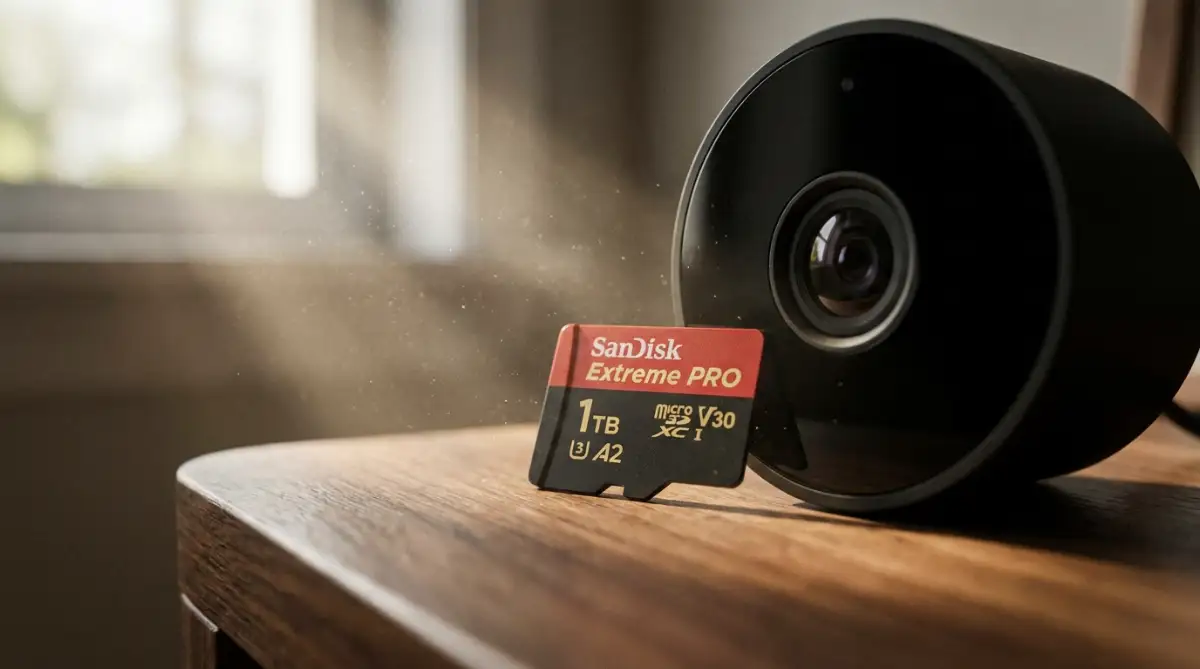
When you want to view the footage, your phone talks directly to the camera over your secure home network. By keeping your private data inside your own four walls, you eliminate the risk of a third-party server leaking your daily routine.
Understanding what really happens when an SSL certificate expires on a cheap manufacturer's server will quickly make you realize why keeping data local is much safer. When companies fail to maintain basic encryption standards, your data becomes completely exposed to anyone watching the internet traffic.
The Dangerous Traps We All Fall Into Unknowingly
As we try to modernize our homes, we often make highly emotional buying decisions based entirely on convenience and price tags. This innocent behavior often leads us directly into invisible digital traps that can ruin our peace of mind.
The Illusion of the Ultra-Cheap Gadget
One of the most dangerous mistakes you can make is filling your home with extremely cheap, no-name brand smart devices from massive online marketplaces. We see a smart lightbulb on sale for five dollars and immediately buy ten of them for the whole house.
These ultra-budget devices are usually manufactured by entirely unknown companies that have absolutely zero interest in your personal privacy. They are often what the tech industry calls "white label" products, meaning one factory makes the device and thousands of fake brands stick their logo on it.
These companies cut corners by using deeply outdated software that is riddled with well-known security flaws. They do not have dedicated cybersecurity teams monitoring their products, and they certainly will not release an update when a vulnerability is found.
Even worse, the companion apps required to control these cheap devices often demand terrifying levels of access to your smartphone. The independent privacy research by the Mozilla Foundation constantly exposes how budget friendly gadgets aggressively collect and sell user data.
Saving twenty dollars on a generic brand is never worth handing a stranger the digital keys to your personal living room. Always stick to highly reputable brands that have a proven history of releasing frequent software updates.
The Grave Mistake of Reusing Passwords
Human beings naturally hate trying to remember dozens of complex passwords, so we adopt a very risky habit to make our lives easier. We end up using the exact same password for our online banking, our email, and our smart vacuum cleaner app.
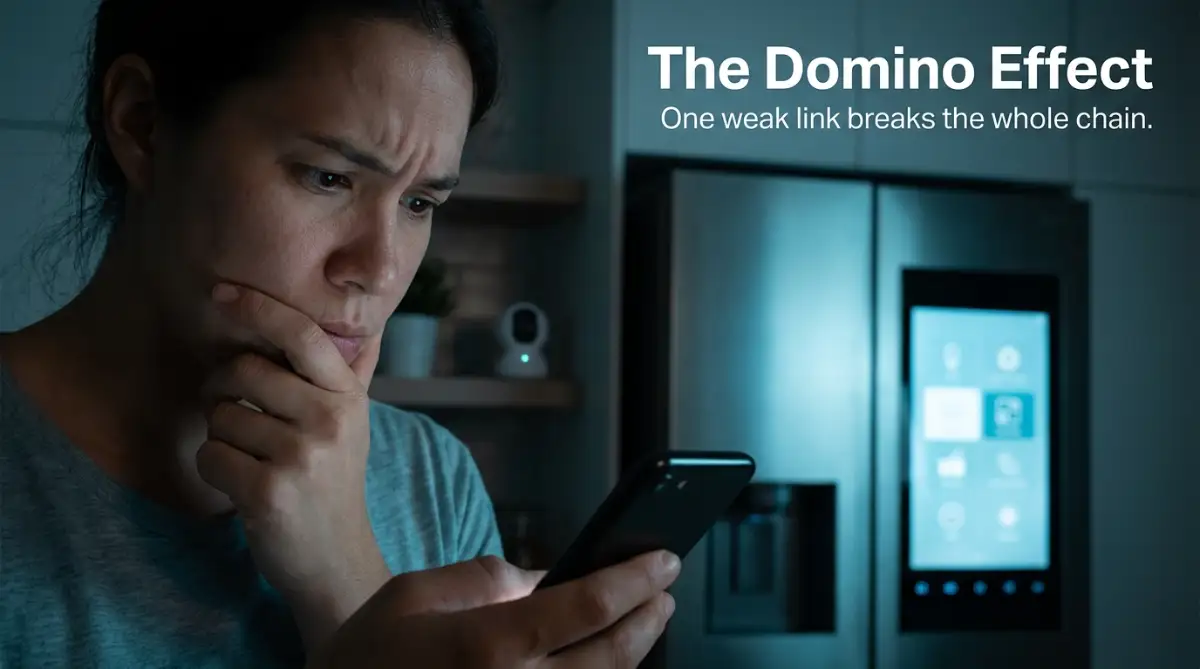
This creates a terrifying domino effect that hackers love to exploit every single day. If that cheap smart vacuum company gets hacked and loses their customer database, the bad guys now have your primary email and your favorite password.
They will immediately take those stolen credentials and test them on major banking websites, social media platforms, and shopping accounts. The hackers use automated software to try your reused password across thousands of websites in a matter of seconds.
Just like making major errors that can cost you clients and trust in a business, reusing passwords destroys your personal security foundation. You must use a dedicated password manager application on your phone to generate completely unique, unguessable passwords for every single smart home account.
Leaving the Router Administration Panel Exposed
While most people remember to change their Wi-Fi password, they completely forget about the actual administration panel of the router itself. This is the main control room where all the heavy security settings are managed.
When your internet service provider installs the router, they usually leave the admin login as something ridiculously simple like "admin" for the username and "password" for the passcode. Many people never bother to change this because they assume nobody else can reach that login screen.
However, if a malicious piece of software manages to sneak onto your network through a weak smart TV, it will immediately look for that admin panel. Once the malware logs in using the default "admin" password, it gains total control over your entire digital life.
The malware can redirect your web traffic to fake banking websites, steal your credit card numbers, and completely lock you out of your own system. The Consumer Reports investigations into smart device tracking clearly show that an unsecured router is the absolute easiest target for modern cybercriminals.
Take five minutes right now to log into your router's main dashboard and change that administration password to a long, complex phrase. Do not let pure laziness be the only reason an invisible attacker gains full access to your most sensitive personal information.
Trusting the "Always Listening" Default Settings
We bring smart voice assistants into our kitchens to set cooking timers and play our favorite music while we make dinner. We completely ignore the fact that these little cylinders are constantly recording audio to catch their specific wake word.
The massive mistake here is leaving the default audio storage settings exactly as they are out of the box. Most major tech companies default to saving your voice recordings indefinitely on their cloud servers to help "improve" their artificial intelligence systems.
This means that every silly argument, private phone call, and intimate conversation happening near the speaker might be recorded and saved. To stop this massive invasion of privacy, you must dig deep into the voice assistant's mobile app settings.
Look for the privacy dashboard and find the option that controls voice recordings and audio history. Change the setting to automatically delete all recordings immediately, and completely opt out of allowing human reviewers to listen to your audio clips.
Adhering to best practices recommended by the IoT Security Foundation helps you realize that you should never implicitly trust the default factory settings of any connected gadget. Always assume the manufacturer has prioritized data collection over your personal family privacy.
Your Master Plan for a Peaceful, Private Home
Securing your modern home does not mean you have to throw away all your favorite gadgets and live in the dark ages. It simply means taking conscious, intentional control over the invisible digital borders around your personal space.
By taking the time to isolate your devices on a separate network, turning off dangerous router settings, and demanding better privacy standards, you completely change the game. You transform your home from an easy, open target into a highly secured environment where you dictate the rules.
Just like mapping out a blueprint for understanding complex home systems, organizing your digital life gives you a massive sense of relief. You no longer have to lay awake at night wondering if your cheap security camera is actively working against you.
Technology is supposed to bring us comfort, save us time, and make our daily routines significantly easier. By implementing these practical boundaries, you ensure that these devices serve you, rather than secretly harvesting your data for someone else's profit.
Whenever you feel overwhelmed, just take it one simple device at a time. Change one password today, set up a guest network tomorrow, and slowly build a protective wall that lets your family browse, stream, and live in total peace.
If you want to dive deeper into protecting your overall online lifestyle, feel free to visit Global 24 Info for more simplified, powerful guides.
My own journey toward a secure home started with a lot of anxiety and frustration, but today I feel completely empowered. I finally realize that I am the one holding the digital keys to my own front door, and I refuse to ever hand them over blindly again.
Common Questions About Smart Gadget Safety
Why do smart devices need an internet connection to work?
Most modern smart devices rely on external cloud servers to process complex commands and talk to your smartphone app. While basic functions like turning on a light might work locally, advanced features like remote control and voice recognition require an active internet connection to communicate with the manufacturer's systems.
Can someone hack my smart TV if it is turned off?
If your smart TV is simply in standby mode and still connected to the power outlet, it is constantly maintaining an active connection to your Wi-Fi network. Hackers can still exploit outdated software on a sleeping TV to use it as a backdoor entry point into your main network.
Is it actually safe to connect smart locks to my home Wi-Fi?
Smart locks offer amazing convenience, but they do carry inherent risks if connected to a poorly secured Wi-Fi network. To keep your physical doors safe, always place smart locks on an isolated guest network and enable strict two-factor authentication on the companion app.
How often should I check my smart home app permissions?
You should make a strict habit of reviewing your application privacy permissions at least once every three months. Whenever your phone undergoes a major system update, carefully verify that smart home apps have not silently re-enabled location tracking or microphone access without your explicit consent.
Will putting devices on a guest network slow down my internet speed?
No, placing your smart gadgets on an isolated guest network will not noticeable slow down your overall internet speeds. In fact, keeping noisy, data-hungry devices separated from your main computers can sometimes improve the streaming and gaming performance on your primary network.
Disclaimer: The information provided in this article is for educational and informational purposes only and does not constitute professional cybersecurity advice. Every home network setup is uniquely different, and the author or publisher cannot be held liable for any data loss, security breaches, or damages resulting from the implementation of these tips. Always consult with a certified IT professional for personalized security guidance.